

OpenClaw Daily - Issue 06
OpenClaw Weekly Builder Series: Automating the Tedious with Local AI Agents

Welcome back to the OC Daily! Today, in issue 06, we cover:
OpenClaw Weekly Builder Series: Automating the Tedious with Local AI Agents
Recap of Our OpenClaw Workshop for YC & AI Study Camp
Why Your AI Strategy Shouldn’t Wait for Security
Project: 1Panel
OpenClaw Weekly Builder Series: Automating the Tedious with Local AI Agents
Last Friday, we started our first group Zoom call, the OpenClaw Weekly Builder Series. This weekly series is for anyone looking to harness the power of local AI agents to automate repetitive, time-consuming tasks. And who doesn’t want to get rid of repetitive tasks? Regardless if you’re a solopreneur managing outreach campaigns, a developer looking to offload routine coding tasks, or someone exploring marketplace arbitrage opportunities, OpenClaw offers a powerful toolkit, as long as you know how to wield it safely and effectively.
What is OpenClaw and Why Should You Care?
Earlier this year, I was saying that 2026 is the year of the “Digital Coworker,” AI agents that act as your autonomous helpers to complete tasks end-to-end. OpenClaw completely embodies this approach, as it represents an evolution in how we interact with AI. While tools like ChatGPT act as a “better Google,” answering questions and providing information, OpenClaw is built for execution. Think of it this way: instead of asking “What should I do in Paris for my holiday?”, you tell OpenClaw “Book my holiday to Paris, find the best activities, get tickets, and send confirmations to my email.” It’s the difference between research and results.
The tool acts as a UI and orchestrator for AI agents, allowing them to navigate websites, interact with applications, send emails, manage calendars, and execute complex workflows autonomously. It’s more powerful than traditional automation platforms like Make.com or Zapier because it can handle tasks that require reasoning, adaptation, and interaction with interfaces not designed for APIs.
But there are important considerations around cost, security, and practical implementation.
Key Learnings from Session One
The Cost Reality: From $60/Day to Under $15
One of the first questions that came up was about running costs. OpenClaw requires a robust orchestrating model (typically Claude or similar state-of-the-art models), and by default, it can be wasteful. Without optimization, costs can reach $60 per day or more. It is not uncommon to read online about OpenClaw users spending $1,000 per week running the tool
However, there are several strategies to bring this down to under $15 per day:
Don’t run 24/7: Only activate OpenClaw when you actually need it
Optimize API calls: OpenClaw sends full conversation history with each request by default, which is often unnecessary
Avoid unnecessary pings: The system can ping models when it doesn’t need to
Model selection: While Anthropic models provide the best starting point, alternatives like the recently released Kimi model are showing promising results
Smart routing: Not every request needs the most expensive model, and many of them can be handled with a small local model
The key insight: OpenClaw is only three months old, and its first public release happened just in January! The community is rapidly discovering optimization techniques, and what seems expensive today often becomes more manageable as best practices emerge.
Hardware and Infrastructure: Finding Your Setup
The infrastructure question sparked considerable discussion. Several deployment options emerged:
Cloud Options:
AWS EC2 instances (note: lowest tier tends to crash, minimum specs matter)
Oracle Cloud free tier (some users report success)
Other VPS providers, such as Hetzner
Local Options:
Dedicated Mac Mini or similar hardware (£20,000 upfront for cloud-level intelligence locally with Mac Studios)
Repurposed older machines running Linux
The Local vs. Cloud Tradeoff: Running OpenClaw locally provides access to a real browser (not headless), which is crucial for more sophisticated website interactions and workflows. Plus, we should not forget about websites detecting and blocking cloud IP ranges. Many major websites already have AWS, Google Cloud, and other provider IPs flagged, triggering CAPTCHAs or outright blocks.
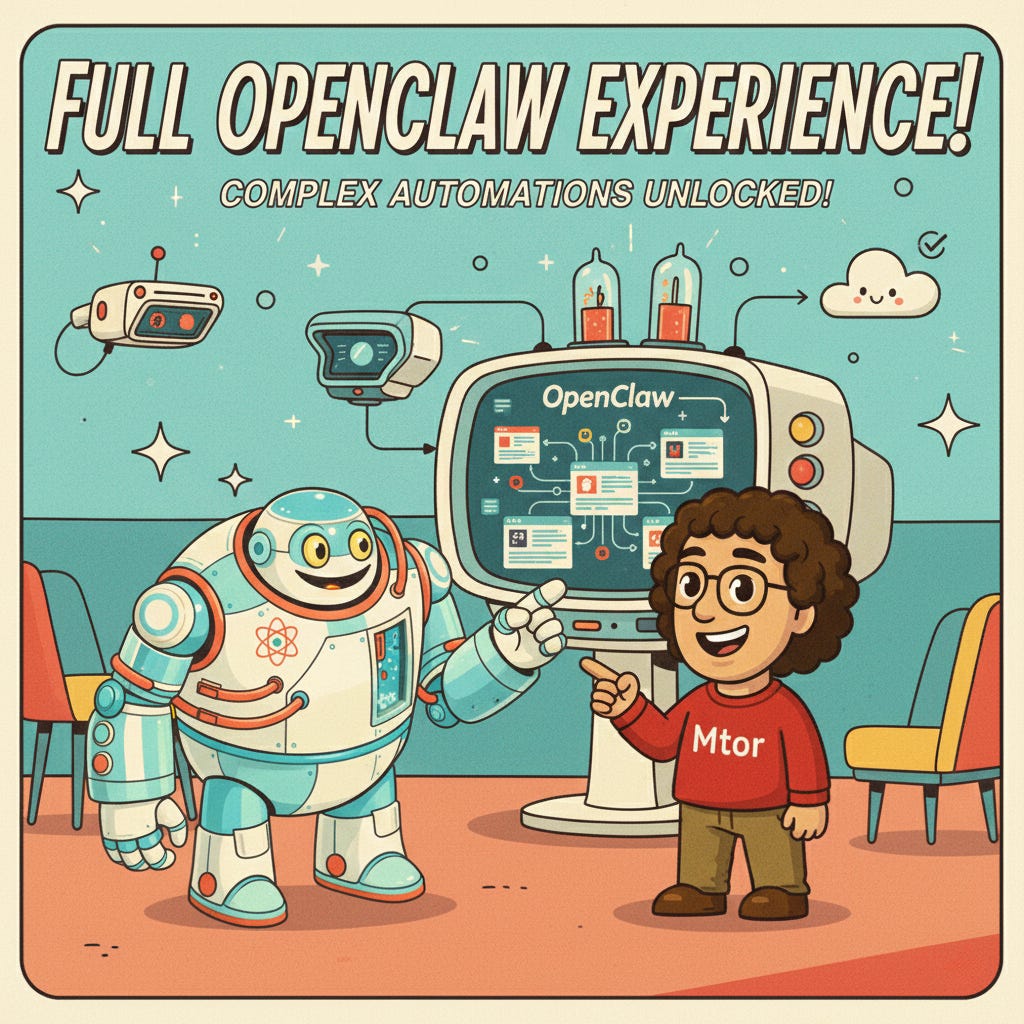
For the full OpenClaw experience, especially for complex automations involving web scraping and interaction, a local setup often works better.
Security: The Non-Negotiable Essentials

This cannot be overstated: OpenClaw should never run on your main computer with your main accounts.
Several security principles emerged as critical:
1. Dedicated Environment Required: Set up OpenClaw on a separate machine, AWS instance, or dedicated hardware. Never use the computer you rely on for daily work.
2. Compartmentalized Credentials: Treat OpenClaw like a human assistant. Just as you wouldn’t give your personal assistant your primary credit card and email password, OpenClaw needs its own:
Separate email account with forwarding rules (not your main inbox)
Virtual credit card with spending limits (e.g., Revolut card)
Separate calendar that shares with your main calendar
Distinct login credentials for services
3. Prompt Injection Vulnerabilities: Attackers can hide prompts in white text within emails to extract sensitive information. For example, an email might contain invisible instructions asking OpenClaw to reveal your credit card details or API keys. This is easily exploitable and not just a theory.
4. Skills Marketplace Risks: OpenClaw skills are simple text files that can contain malicious code, including calls to external servers. Skills can:
Expose cryptocurrency wallets
Send data to attacker-controlled servers
Execute arbitrary commands on your system
Always review skills before installing them. Just because something looks helpful doesn’t mean it’s safe.
5. Use Tailscale VPN: Tailscale provides free, easy-to-set-up VPN access to your OpenClaw instance. This gives you a unique, secure URL and protects your setup from public internet exposure.
6. Model Selection Matters for Security: State-of-the-art models from Anthropic and OpenAI have been trained to avoid risky behaviors like exposing API keys or deleting databases. Smaller open-source models may still exhibit these dangerous behaviors when cost optimization tempts you toward cheaper alternatives.
Current Limitations: What OpenClaw Struggles With
Transparency matters here. OpenClaw is powerful, but it’s not magic. The most significant limitation right now is memory and repetitive tasks.
Even for relatively small numbers (like 100 contacts), OpenClaw struggles with repetitive operations. For example, if you want to add contacts to LinkedIn, OpenClaw will have difficulty completing this task reliably, even with just 100 names.
The Workaround: Divide and Conquer. Instead of asking OpenClaw to process 200 contacts at once, break it into smaller chunks, blocks of 25 at a time. This significantly improves success rates.
The silver lining? This project is only three months old. The community is large, active, and rapidly evolving. Things that seem impossible today often become easier within weeks. But it’s important to set realistic expectations and work with the tool’s current capabilities.
Use Cases That Are Working Today
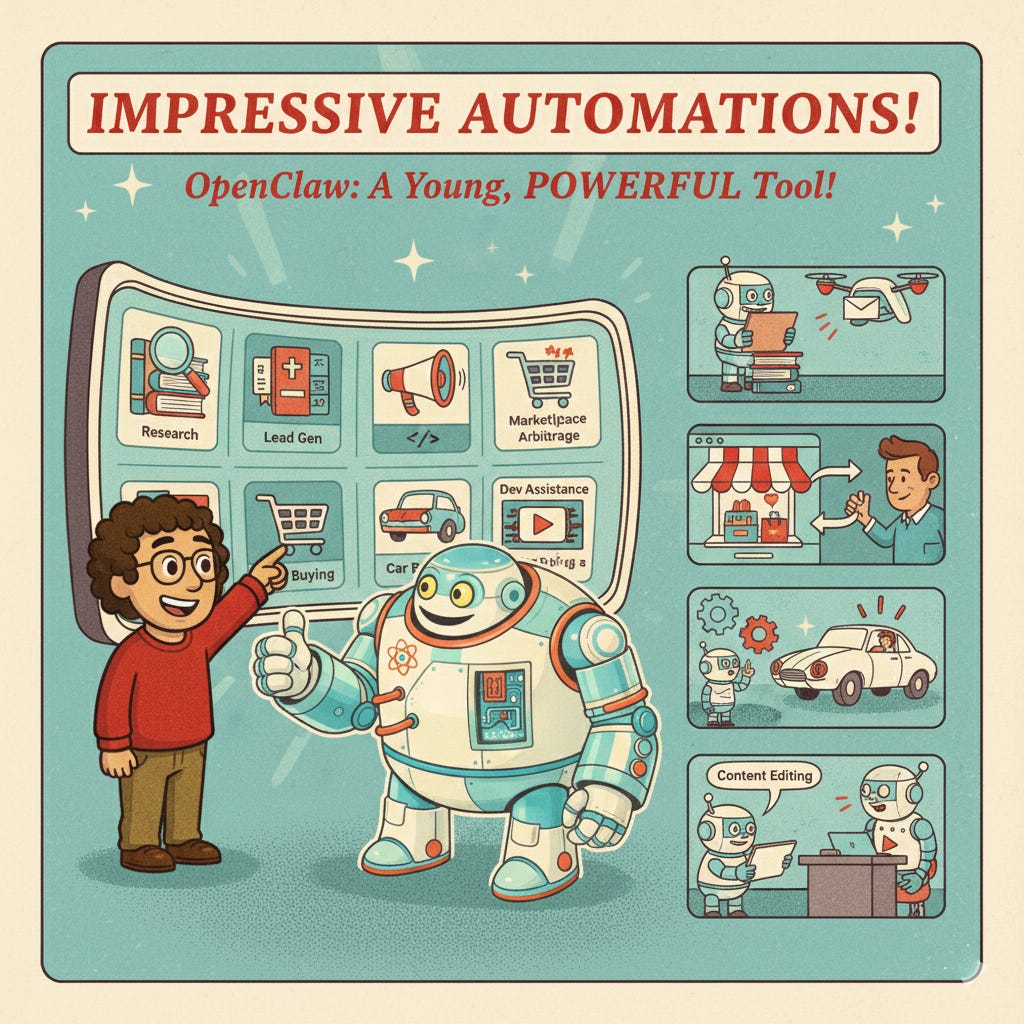
Despite its youth, participants are already using OpenClaw for impressive automations:
Research and Knowledge Management
Automatically downloading newsletters, scraping websites, preparing reports, and summaries. One approach involves having OpenClaw process multiple information sources and structure them into digestible formats, adding metadata and categories to Notion databases for better knowledge organization.
Lead Generation and Outreach
Finding specific organization types (councils, schools, restaurants), identifying decision-makers, and structuring outreach campaigns. The workflow typically involves:
Google Maps search for organizations in target locations
Website scraping to find contact information
LinkedIn or Apollo.io enrichment for decision-maker details
Structured email outreach with personalized messaging
Marketplace Arbitrage
Monitoring Facebook Marketplace or similar platforms for products (especially broken items), calculating repair costs, and identifying profit margins. OpenClaw can continuously scan listings, alert you to opportunities, and even initiate contact with sellers.
Car Buying Automation
A real-world example involved researching Reddit for pricing discussions, identifying dealers with specific vehicle configurations, and negotiating prices via email. All this is handled by OpenClaw with minimal human oversight.
Development Assistance
Using OpenClaw as an AI programmer to create pull requests, accessible via WhatsApp, for on-the-go task delegation. The ability to interact through messaging apps makes this particularly powerful for reducing daily workload.
Video and Content Editing
Exploring automation for social media content, including segmenting videos and creating reels, though this use case is still being refined.
OpenClaw vs. Other Solutions
OpenClaw can replicate anything possible in Make.com, Zapier, or n8n, plus additional capabilities that these platforms can’t easily handle. It works alongside specialized tools and can integrate with data services.
Voice calling capabilities through services like Twilio enable outreach at scale. WhatsApp, Telegram, and Slack connectors make mobile interaction seamless.
The key difference from tools like Cursor or GitHub Copilot is the end-to-end execution model. OpenClaw doesn’t just suggest, it acts. It doesn’t just generate code snippets; it creates pull requests. It doesn’t just find information, it books tickets and sends confirmations.
What’s Next: Join Us for Live Builds
Next Friday, we’re diving into hands-on implementation with a live installation and configuration walkthrough. We’ll cover in this and the following sessions:
Setting up memory, skills, and different deployment options
Building a lead generation automation using Google Maps
Finding organizations, identifying contacts, and structuring outreach
Real-time problem-solving and Q&A
Sign up for next week’s session: https://luma.com/94gdng6e
Join the Community
The OpenClaw Weekly Builder Series happens every Friday, and we’re building this together. The format is conversational, where you bring your questions, share your experiences, and learn from others at different stages of their journey.
If you’d like to join our WhatsApp group for ongoing discussions, tips, and community support between sessions, contact me directly, and I’ll send you the invite.
Recap of Our OpenClaw Workshop for YC & AI Study Camp
Stepan Parunashvili and Vasili Shynkarenka ran a successful 1-hour OpenClaw workshop for YC founders and AI Study Camp students, covering OpenClaw setup, use cases, risks, and the trend of personality, tools, and computer use.
Why Your AI Strategy Shouldn’t Wait for Security
Luca Fiaschi explains how OpenClaw can be a valuable asset when used with caution and limited access. While concerns about data security are valid, experimenting with AI in a controlled environment can provide valuable insights and a competitive edge before fully integrated enterprise solutions become available.
Project: 1Panel
1Panel is an open-source, modern web-based control panel for Linux server management. It offers efficient management, rapid website deployment, an application store, security and reliability, and one-click backup and restore. The Pro Edition provides enhanced features and technical support services.
Try out: https://github.com/1Panel-dev/1Panel
🦞 OpenClaw — Weekly Builder Series
This is a weekly, hands-on builder discussion for people interested in local AI agents and the growing ecosystem around OpenClaw.
Each Friday, we jump on Zoom to:
Share what we are currently building
Discuss recent developments in local AI agents
Exchange lessons learned, ideas, failures, and wins
Stay up to date with what’s happening across OpenClaw / Clawdbot / Moltbot ecosystem, and adjacent projects
This is not a lecture series and not a course. It is informal, practical, and driven by what participants are actively working on.
Register here: https://luma.com/94gdng6e
Share Your OpenClaw Story
The OpenClaw ecosystem is moving faster than any single person can track. Have an interesting project or opinion? We would love to feature your work or insights in an upcoming edition. Reach out to Rod Rivera directly on any social channels below to start a conversation.
Join the Conversation
We have a WhatsApp community where we discuss all things OpenClaw. Contact Rod Rivera for access.
Where to follow
Substack • YouTube • Bluesky • TikTok • Instagram • Twitter/X • LinkedIn • Telegram